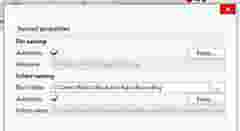
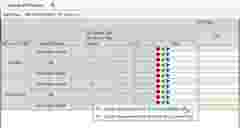
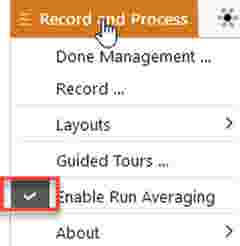
After you have completed all the recording and processing for a given test, you can send the data to the Team Server directly from the Record and Process task. The recording, processed and averaged results all have a unique action category making it easier to search and view the data in the Team Server.
Advanced Query for all data from the Record and Process task
'Action category’ IN [‘Rec and Process – Recording’,’Rec and Process – Processed’, ‘Rec and Process – RunAvg’]
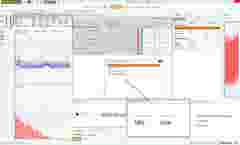
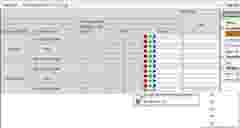
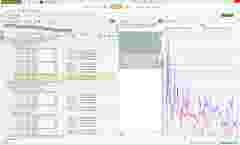
To continue the journey with the data, once it has been stored to the Team Server, (local or network), and the appropriate query executed, BK Connect enables multi select in the team search. This way you can view the data before you decide what to import and start making decisions.
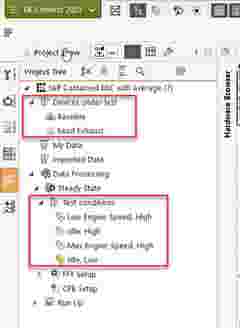
In addition, self-contained BKC files are created when recordings and results are exported, including information such as Test, Setup, Test conditions and process chains. When imported into a new project, the entire project browser can be recreated, allowing for proper traceability for where and how the recordings were made or the data processed. The imported data can come from the Team Server or from an external file. This information is not included in the original recording so the data must be exported to a file or Team Server. With the process chain included in the exported results, you now have complete traceability as to how the results were processed.