Metadata is not a new concept. We all use at least one metadata field every time we save a document or a PowerPoint® presentation, that is the file name. We typically try to be creative and give the file a name that will be obvious to us in the future when we look for it and we place it in a folder that we will certainly remember. If you are anything like me, this one metadata field is just not enough. I spend far more time than I should looking for files, opening and closing presentations until I find what I want.
This is also how we treat our data. Using metadata, we now have access to unlimited numbers of attributes that we can use to help us find the correct data when we need it. Why is this important? Because data has life after the test is complete. You may need to find a set of measurements that you took yesterday, or last week or even last year. If you spend a lot of time hunting for your data or, worse still, cannot find the data and have to re-measure, that is frustrating. This frustration may not occur every day, but when it does it feels awful.
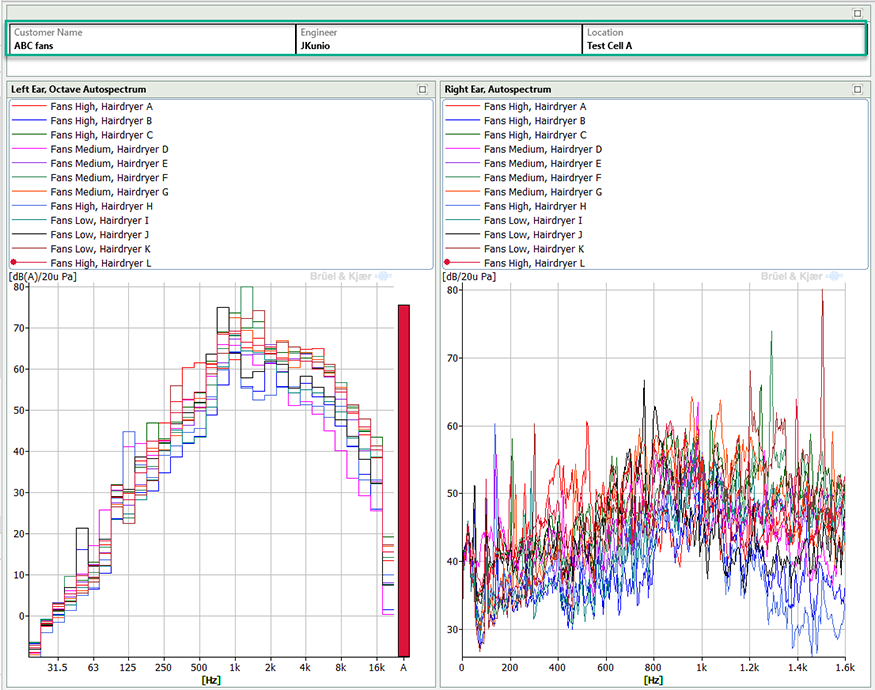
Metadata can help save you from this pain. Documenting your data with attributes you have identified as important for using in Legends and tables, or for searching, makes your valuable data even more valuable.
We were told by one customer that without metadata, the data is useless. This is a very strong statement but one I absolutely agree with. After years of being a test engineer, I can recognize this struggle and with the ability to acquire more data and perform more analysis in the age of Big Data, using the built-in metadata tools inside BK Connect might be what helps you solve your problem or meet your next design target.
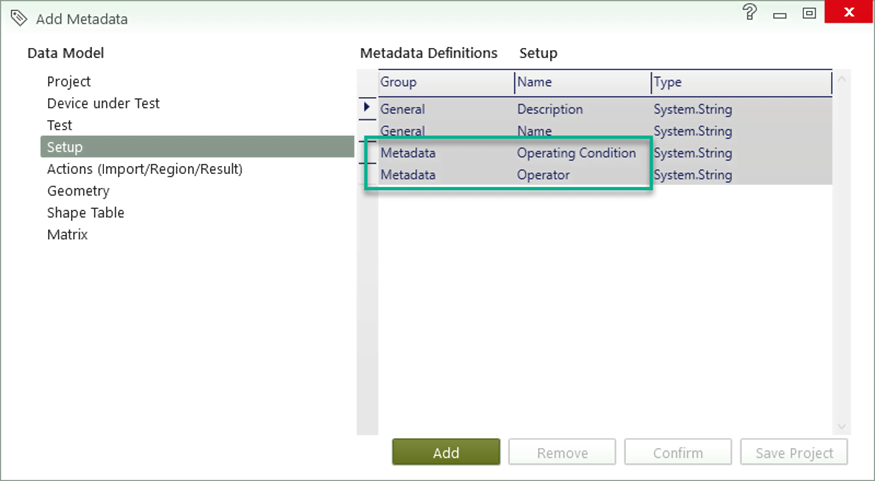
With BK Connect, you will be able to predefine metadata as a text file and load the text file before the recording, so there will be no need to type the information when time is most critical.